
Coreframe Cloud · Bengaluru
Our machines do the heavy work.
You keep the laptop you own.

GPU workstations
LiveYour laptop, with a workstation-class GPU behind it.
From $1.49/hrFrom $1.49/hour · 1stFirst top-up $20 = 8 h
Studio
NewWin the client before the project is signed.
Free previews. Edits $0.49, 2K download $0.99, 4K $1.49
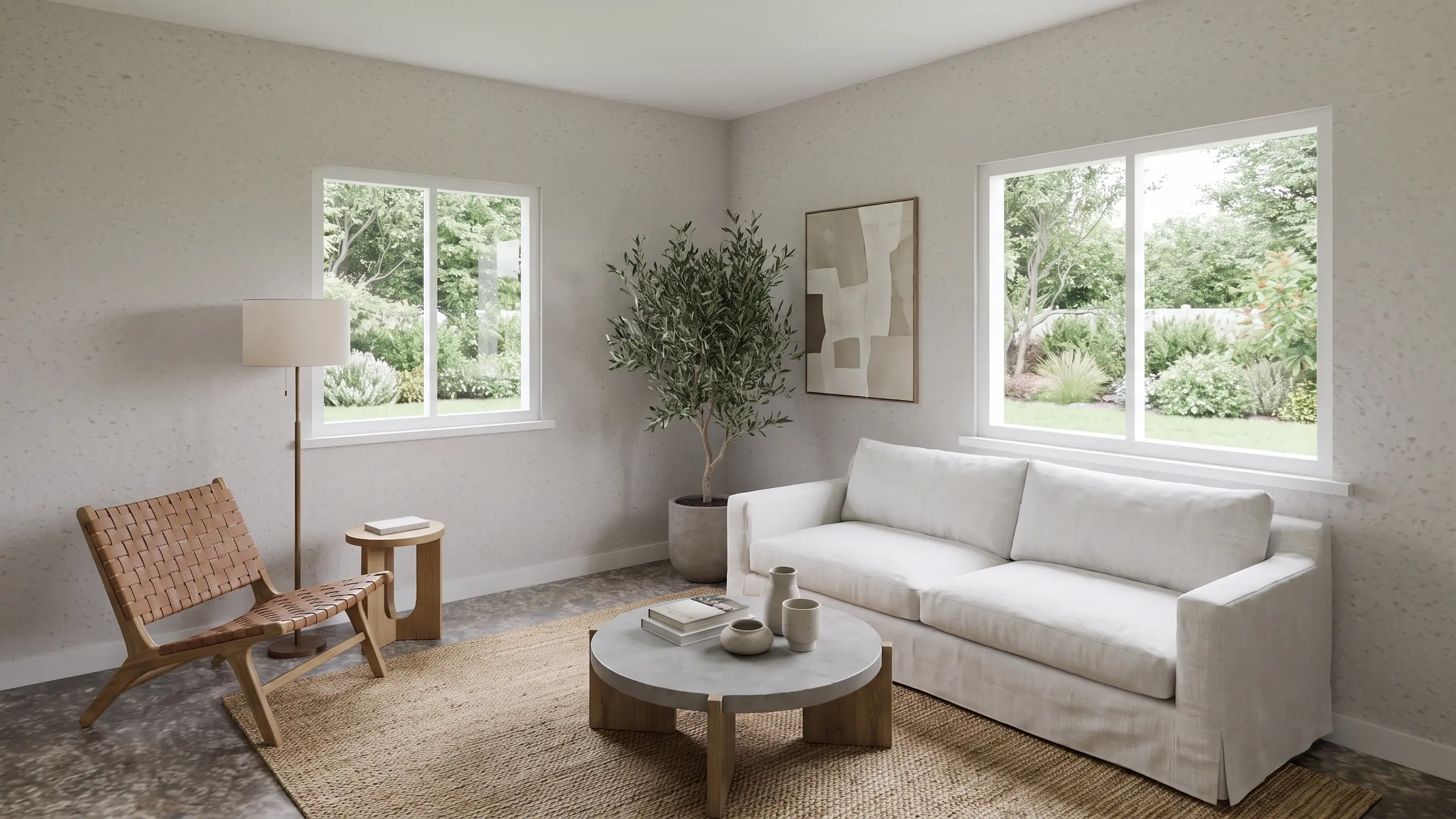
Background: a living room created with Coreframe RenderGrid.
GPU workstations
LiveYour laptop, with a workstation-class GPU behind it.
Open D5, Lumion, Blender or Twinmotion on a full Windows workstation from the laptop you already own, streamed in 4K. Your project files stay on storage in India between sessions.
- RTX A4000 to RTX 6000 Ada · 16 to 48 GB VRAM · 16 vCPU · 64 to 128 GB RAM
- Unreal Engine, D5 Render, Blender and Twinmotion preinstalled
- Billed per minute, no GST; close it and billing stops
CFD for ducts and pipes
NewSlow CFD? Try us.
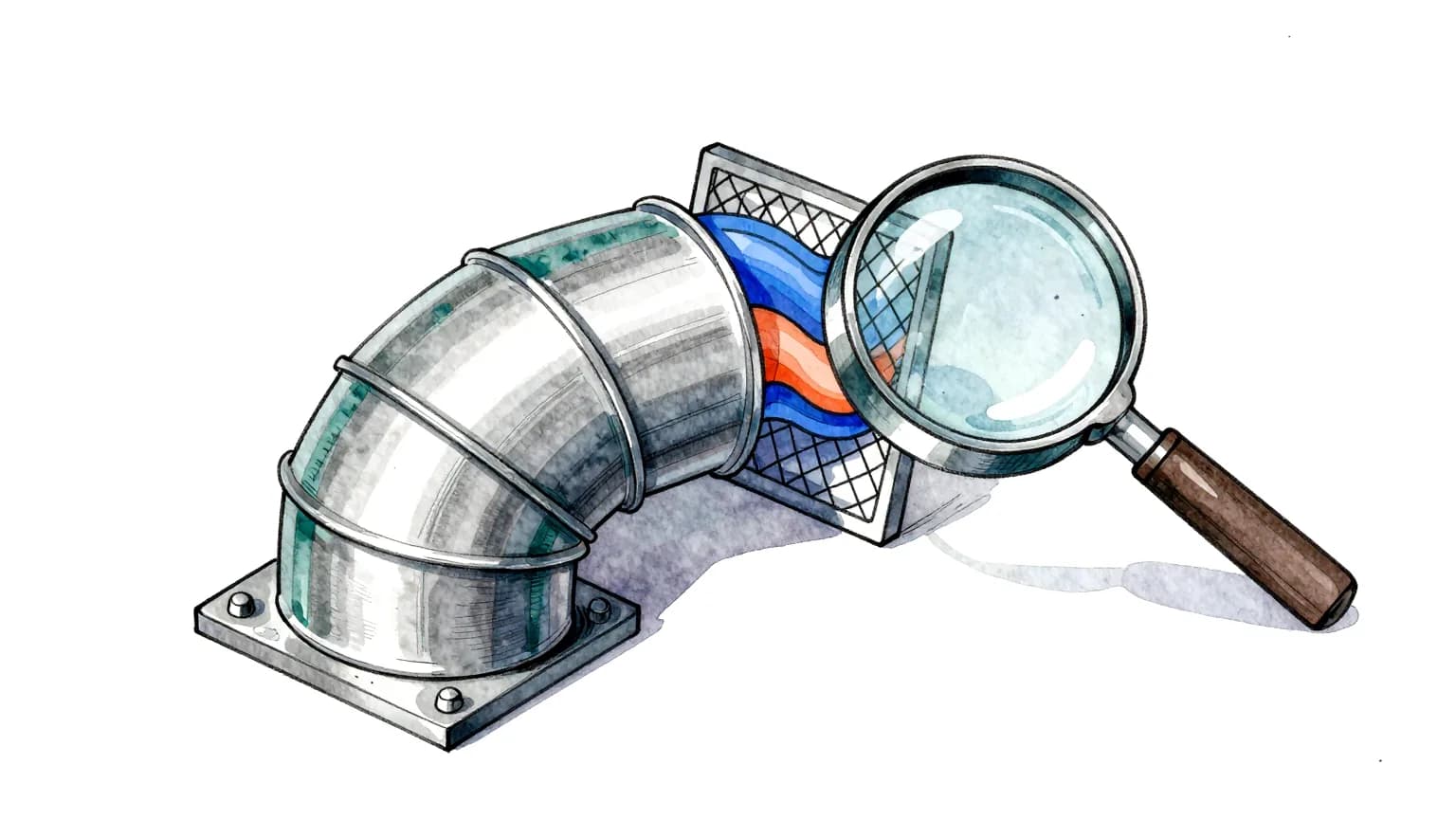
Pressure drop for your duct or pipe, from one STL. The solver runs on our machines, so you need no CFD licence and your own computer stays free. You pay for the run only if you accept the quote.
- Upload one closed STL of the fluid volume
- We check it, mesh it on our machine and email you a quote
- Pressure drop, loss coefficient, PDF report, 3D viewer and data files
Pre-processing / mesh check $15 for most models; $39 over 5 million cells. Rooms and HVAC airflow: live (steady analysis). See a clinic floor case study.
Studio: floor plan to concept images
NewWin the client before the project is signed.
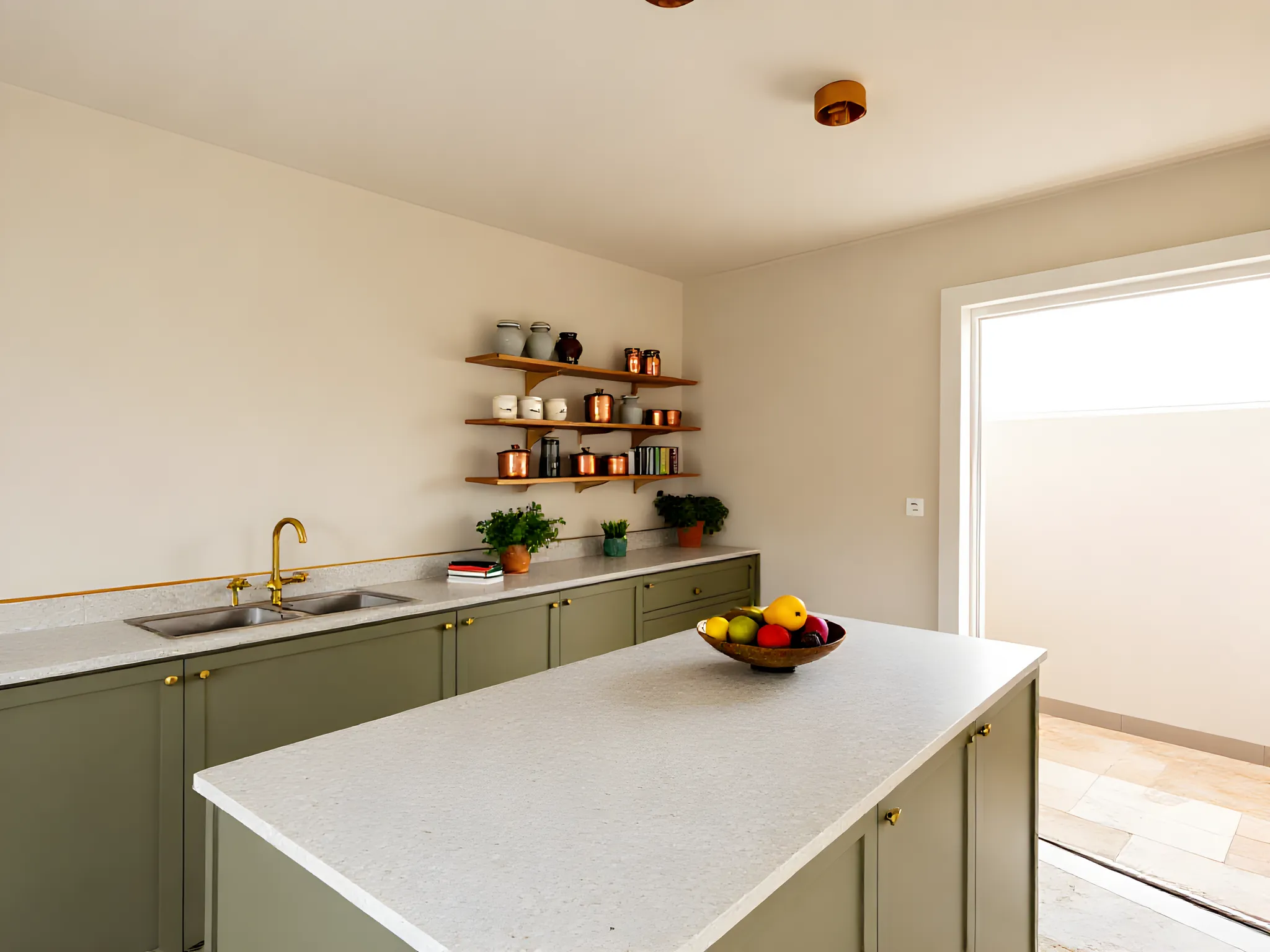
Show the client the room before the project is signed. Upload a 2D DXF floor plan, pick a room and say how it should feel; Studio gives you concept images to pitch with.
- Built for interior designers pitching a project
- Walls, doors and windows read from your DXF, never invented
- Furnished concept images, generated in the browser
Free previews, up to 5 a day, then $0.25 each. Edits $0.49, 2K download $0.99, 4K $1.49, no GST, paid from the same wallet as your workstation hours. DXF plans only.

GPU workstations, in detail
A real workstation,
without buying one
Everything runs on our machines in Bengaluru. You bring the laptop and the project.
The workstation
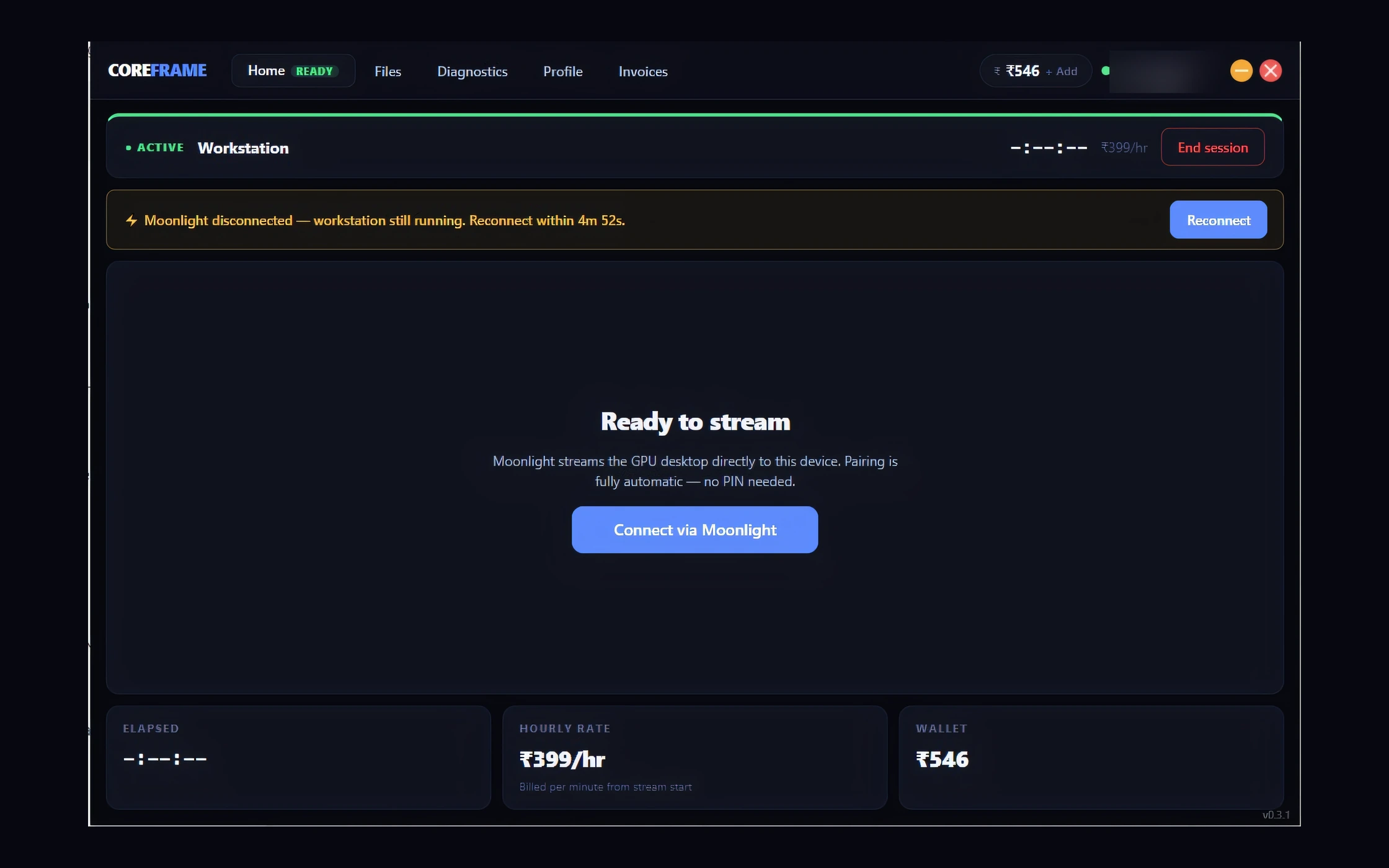
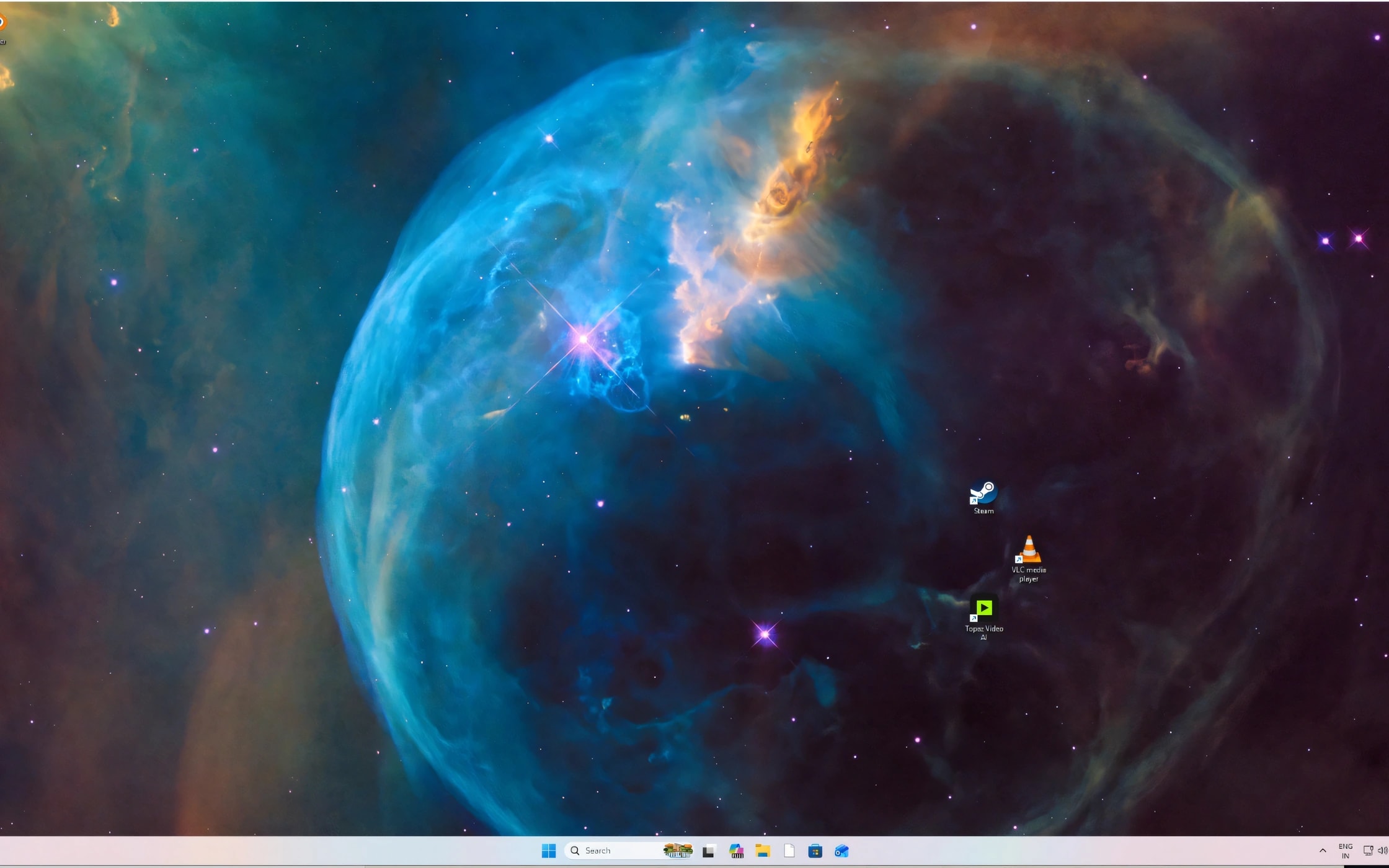
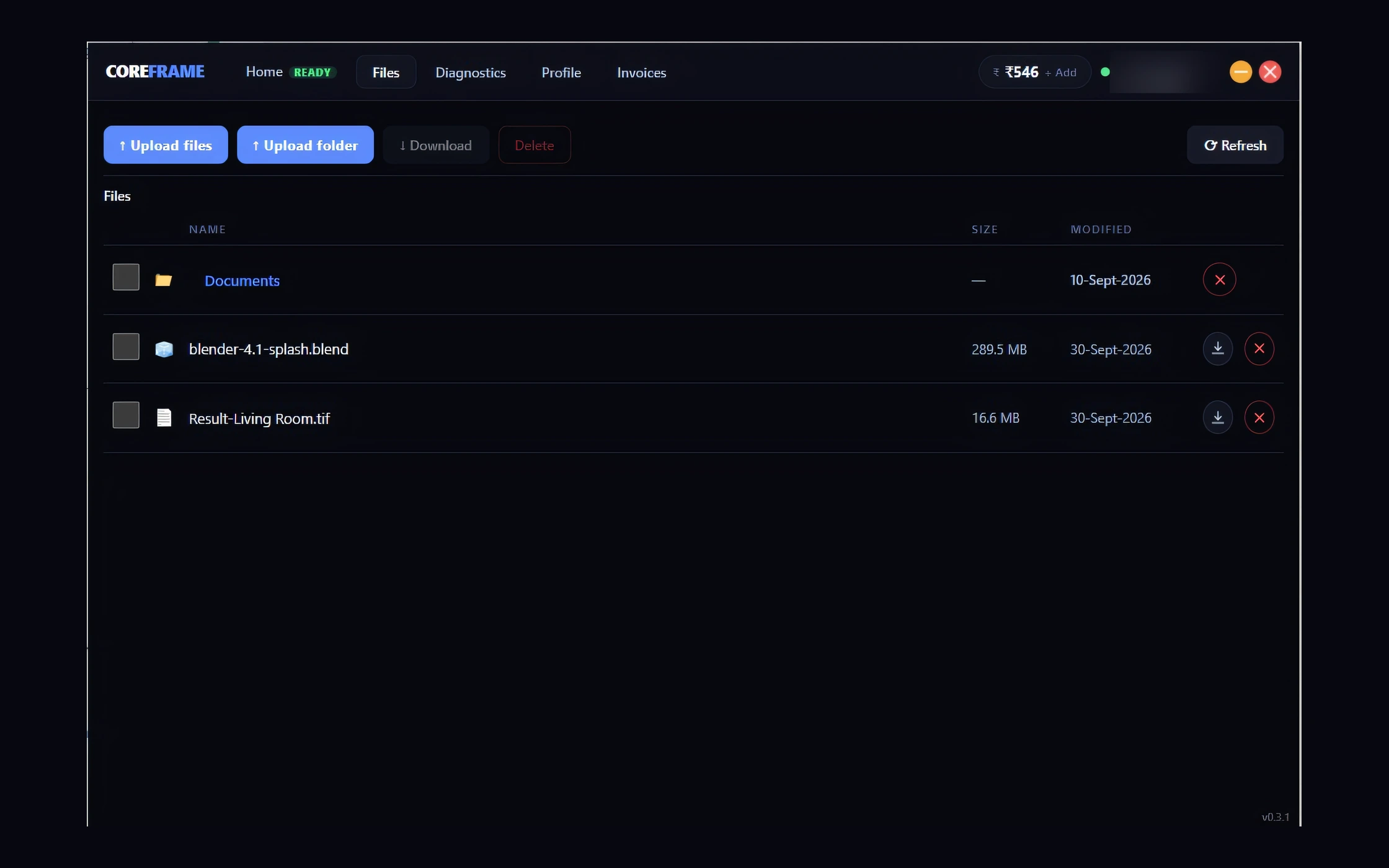
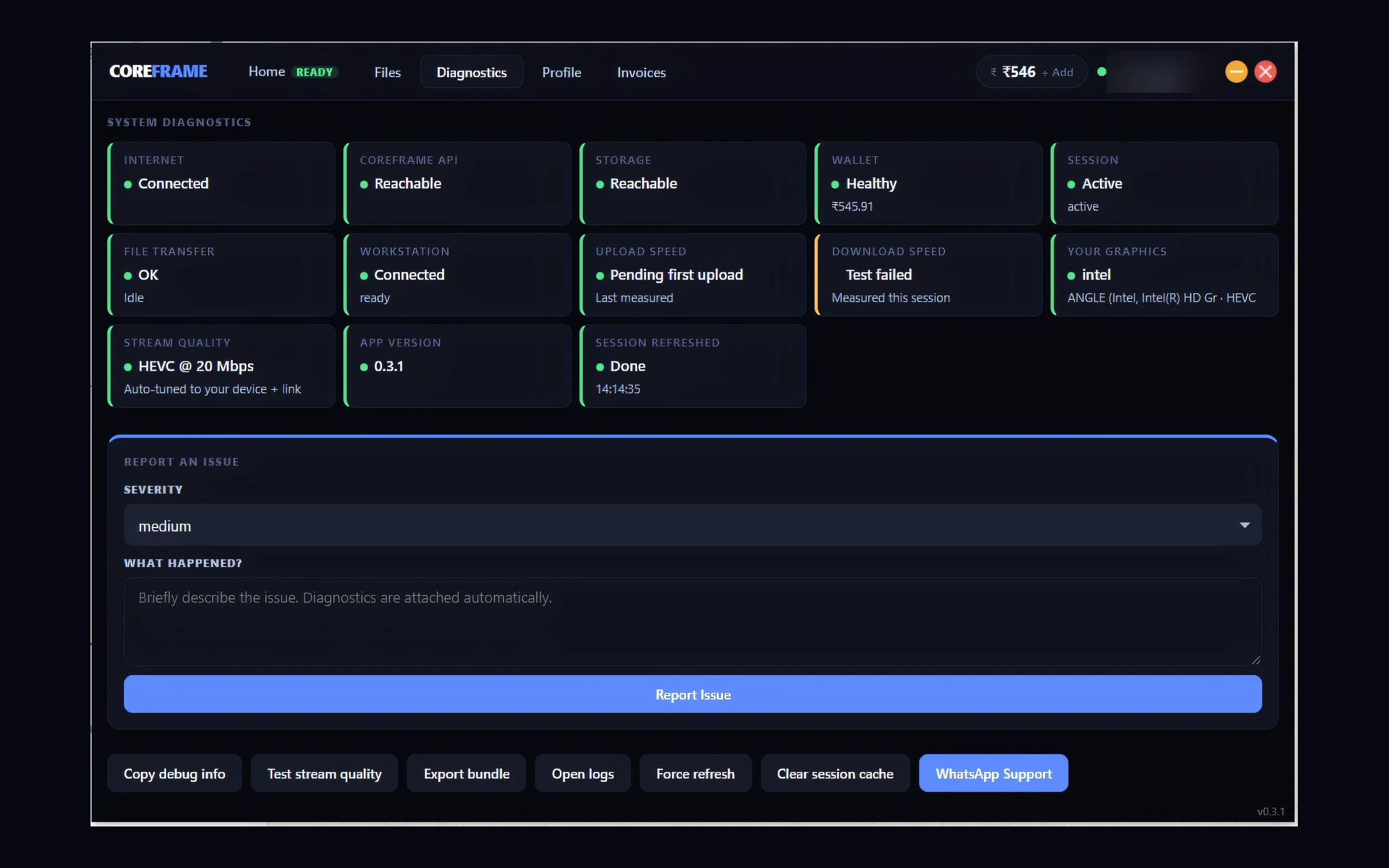
A full Windows 11 machine that’s yours for the session, opened from the Coreframe app.
- NVIDIA RTX A4000 16 GB to NVIDIA RTX 6000 Ada 48 GB · 16 to 48 GB VRAM
- 64 to 128 GB system RAM
- 16 vCPU
- 1 TB NVMe working disk
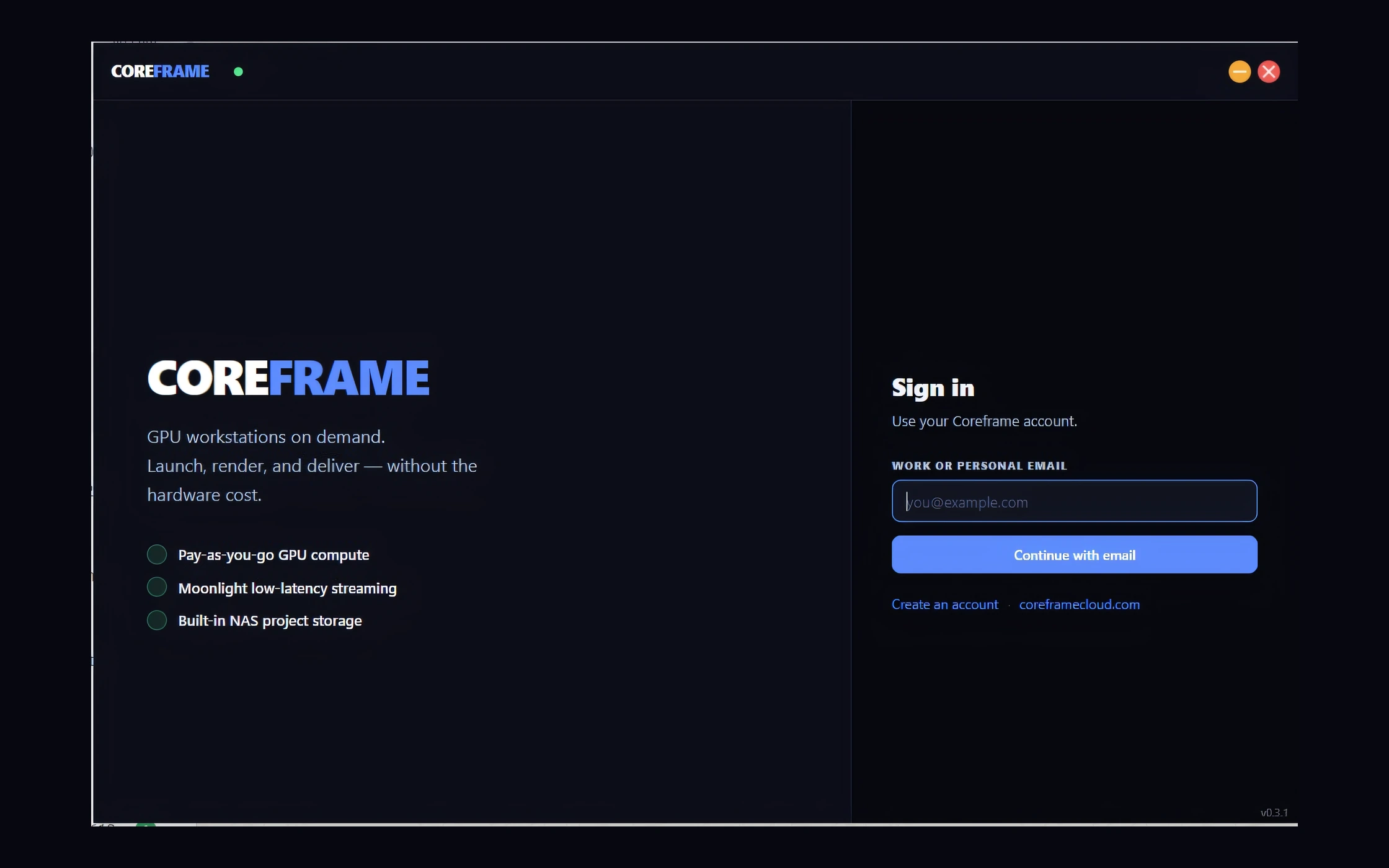
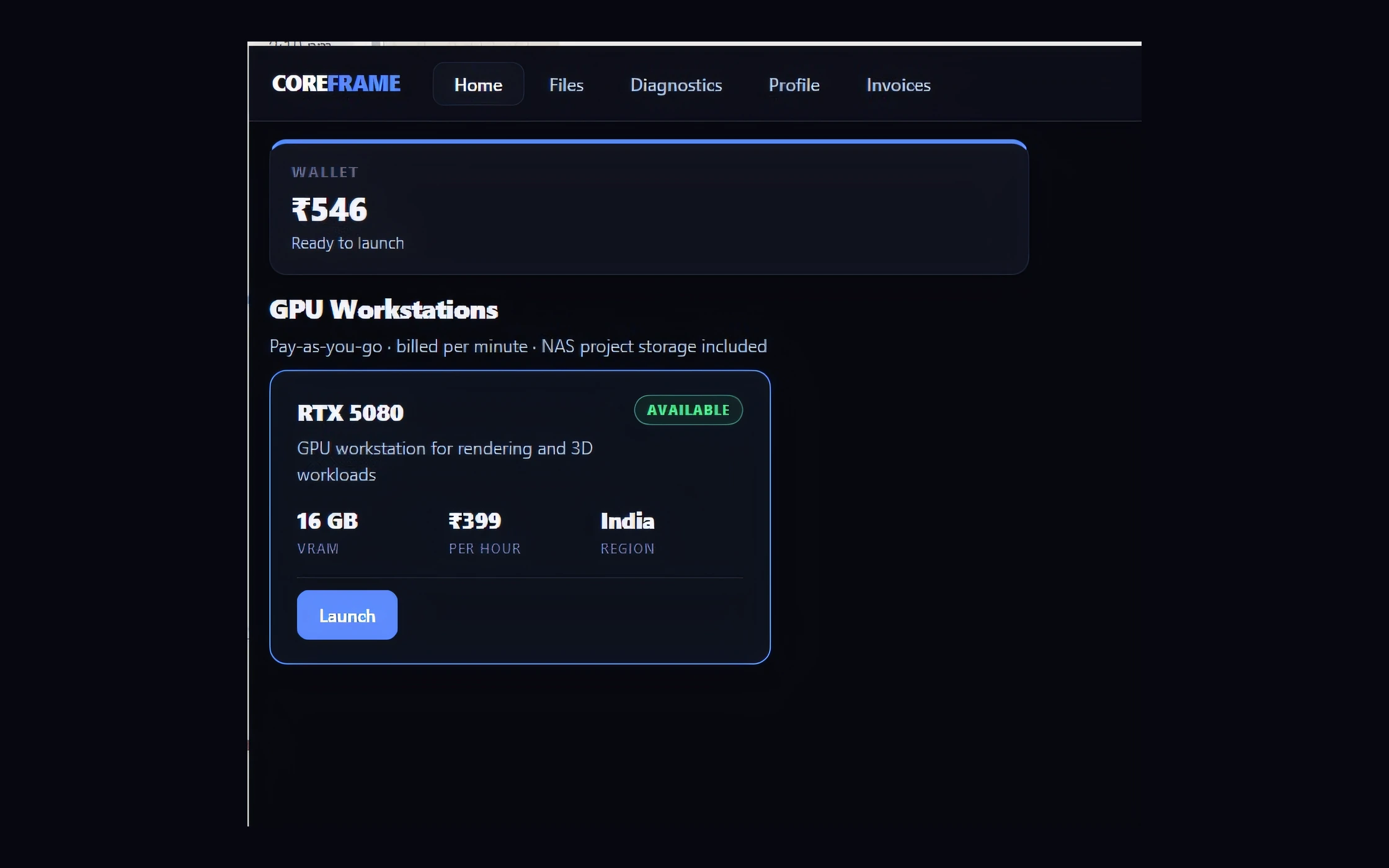
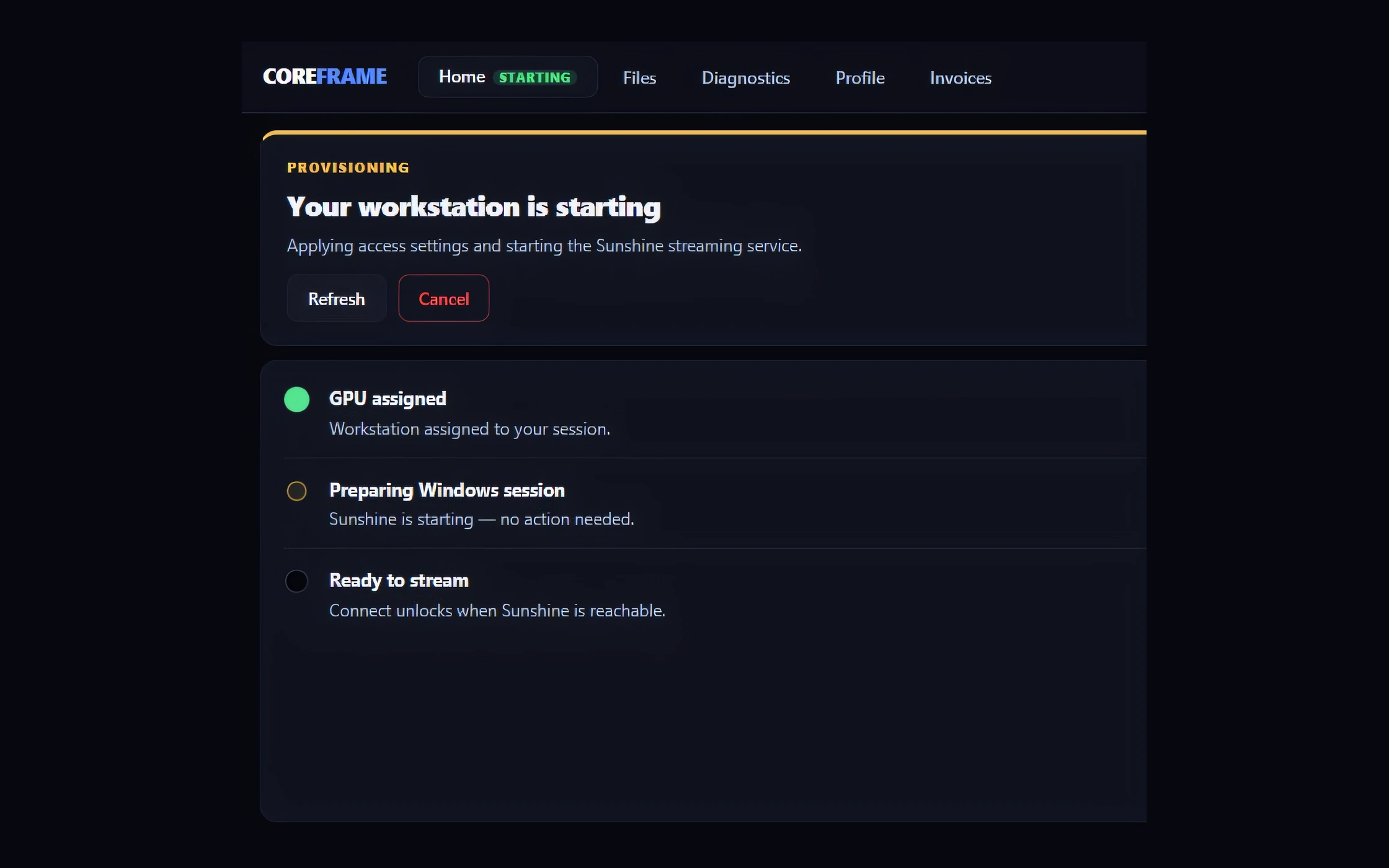
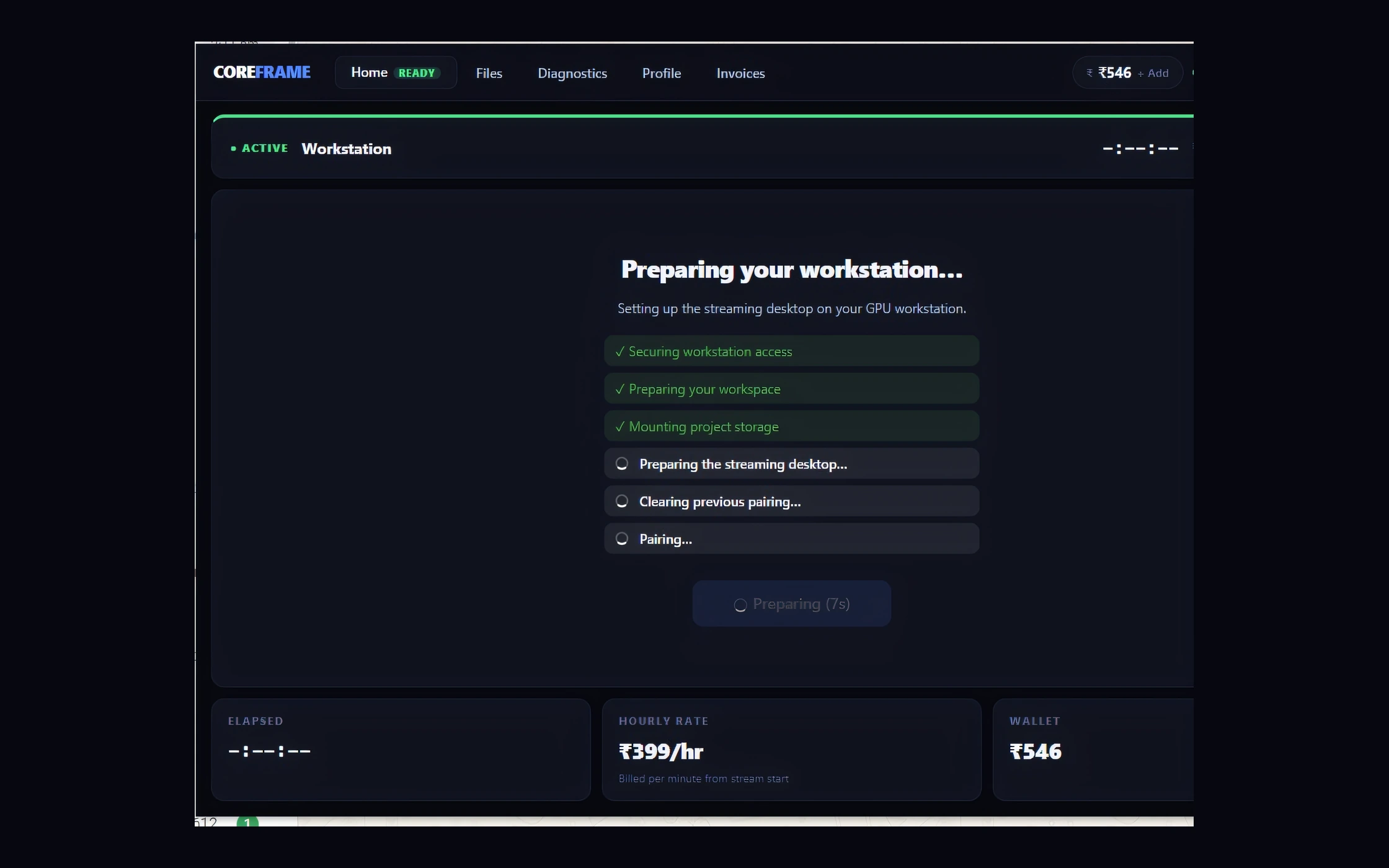
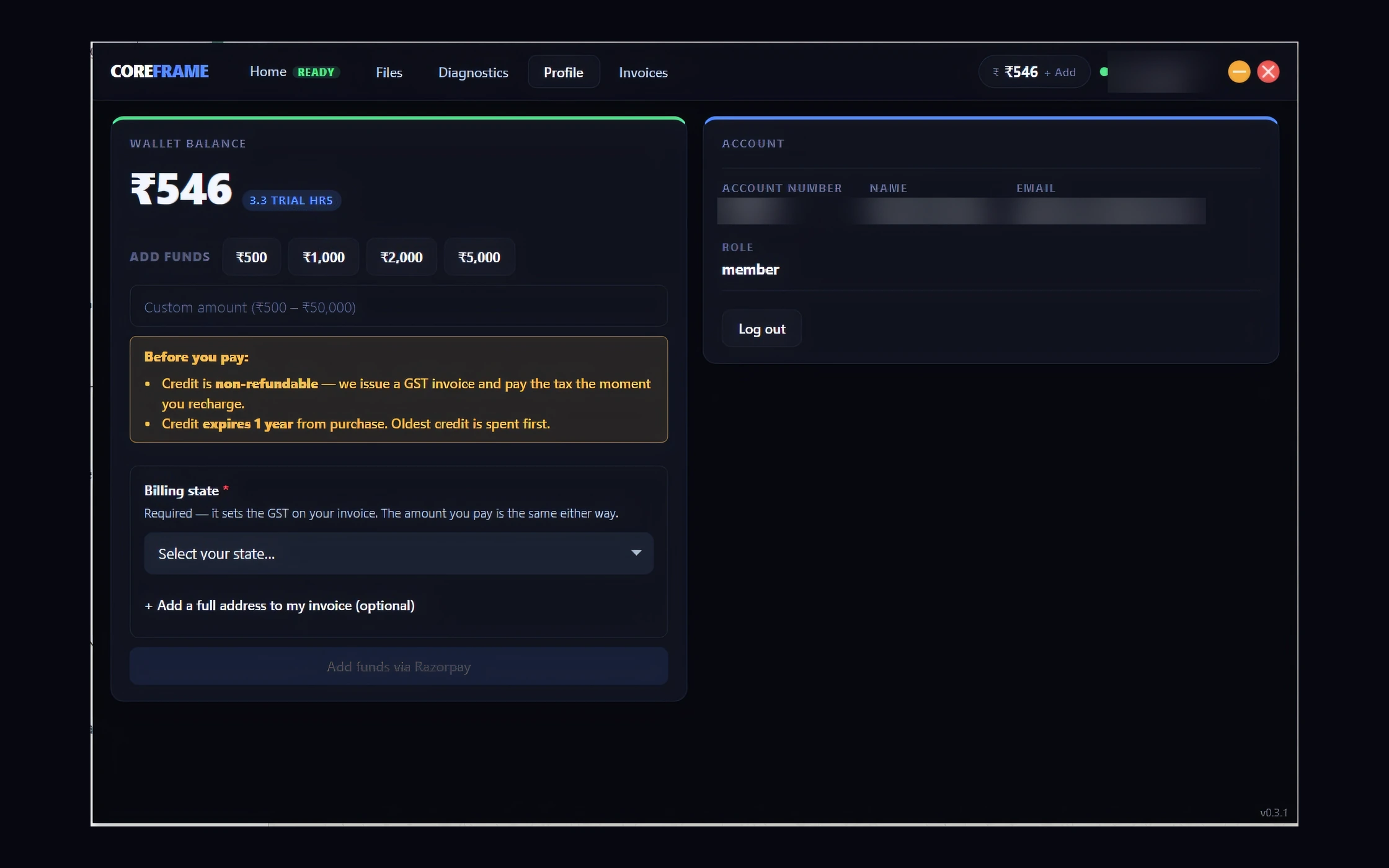
Sign in to Coreframe Connect
For studios
- Shared cloud storage for the whole team
- One shared pool of hours
- A login for each person
- One bill, one admin
By the minute
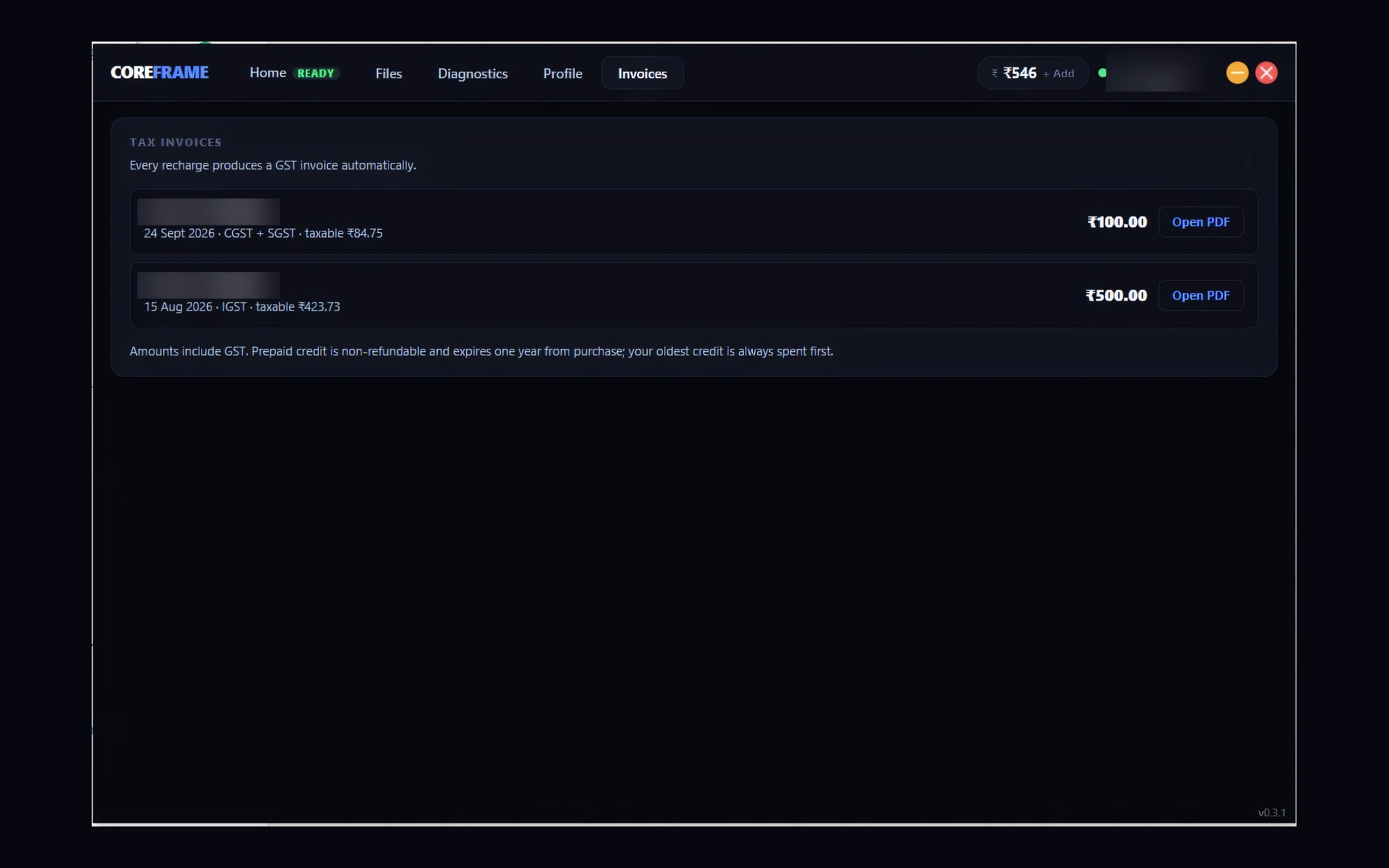
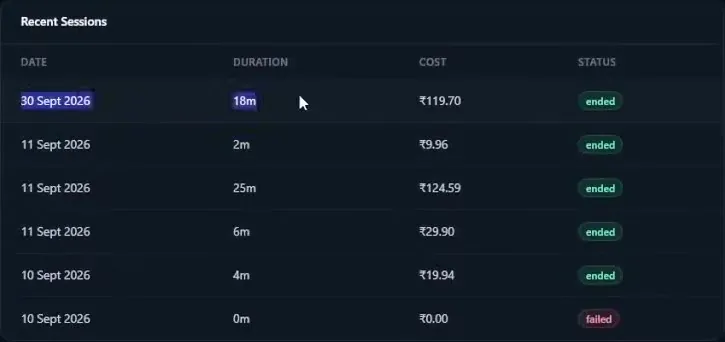
No monthly plan and nothing to cancel. Every session shows what it cost.
Walkthrough
Watch a real session, start to finish
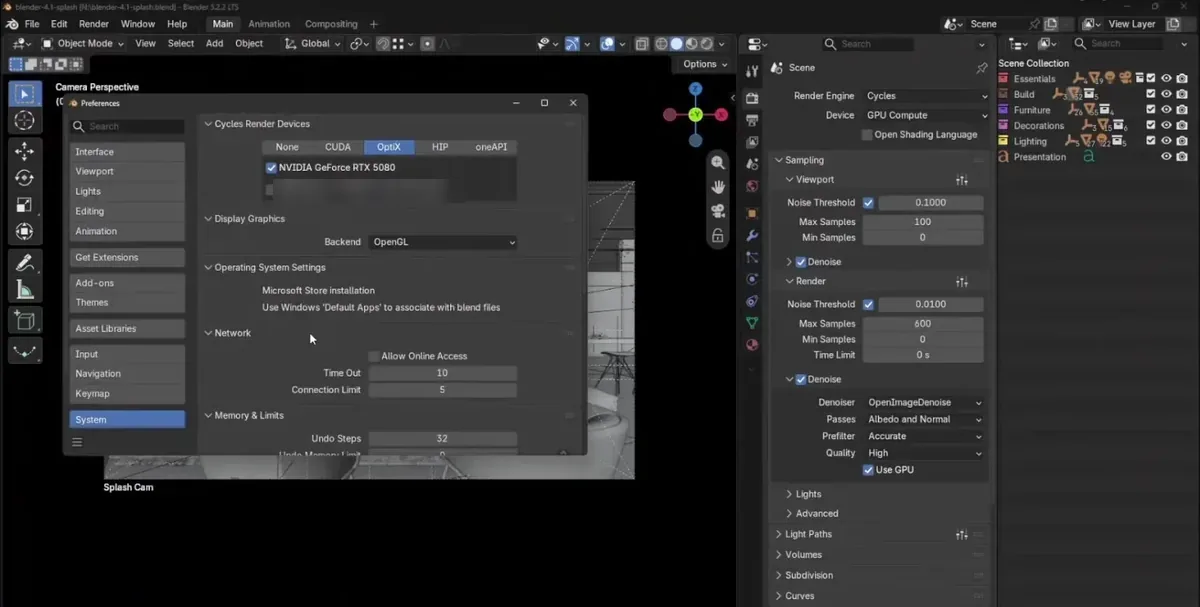
Sign in, launch a workstation, load a Blender scene, render it and pull the result back down. Recorded on our RTX 5080 node in Bengaluru, condensed to under five minutes.
Three steps. Then it feels local.
- 1Sign up with email and mobile
- 2Top up by UPI or card
- 3Pick a GPU and launch it from the app
What’s in the box
Read off the hardware, not rounded up. Every GPU on offer, with its price, is on the pricing page.
In Blender Cycles our base node’s RTX 5080 scores about 3× an RTX 4060: medians of 9,138 vs 3,182 on Blender Open Data 4.5.0, read 20 Sep 2026 (opendata.blender.org). D5, Lumion and Enscape are different renderers and may not scale the same way.
NVIDIA RTX A4000 16 GB to NVIDIA RTX 6000 Ada 48 GB
Your choice of GPU, a whole card each
16 to 48 GB VRAM
What decides whether your scene fits
16 vCPU · 64 to 128 GB RAM
Big scenes and a lot open at once
4K at 60 fps
Streamed to the laptop you own
Hosted in India
Billed in US dollars
No GST
Charged per minute, nothing to cancel
Built for the people who wait on renders
Open the tools you already use, on a machine that doesn’t make you wait.
Architects
Twinmotion · Enscape · Revit
Motion designers
Preinstalled on every workstation
- Blender
- Twinmotion
- Unreal Engine
- D5 Render
- FreeCAD
- ParaView
- GIMP
- Krita
- Paint.NET
- XnView MP
Also on a Coreframe workstation: Unreal Engine · Rhino + Grasshopper · SketchUp · V-Ray · everything preinstalled
What freelancers and studio owners say
As a freelancer I can't justify a workstation that sits idle between projects. When a Twinmotion job comes in, I open an RTX 5080 on Coreframe and stop paying the moment I close it. My files wait on my Coreframe drive, so I pick up right where I left off.
Dinesh
Freelance visualiser · Twinmotion
Blender and After Effects all day, often for two clients at once. On Coreframe, 64 GB of RAM keeps long After Effects comps smooth, and Blender renders finish far sooner than on my laptop. It costs more than a basic cloud VM, but a basic VM can't run this.
Sai
Motion designer · Blender & After Effects
I test heavy Unreal levels and walk scenes in Twinmotion. The 16 GB card on Coreframe loads what my own machine couldn't, and it streams to my laptop in 4K.
Avi
Game tester · Unreal Engine & Twinmotion
Before Coreframe I did all of this on an RTX 3060 at home, cutting textures down just to make big projects fit. Now I open an RTX 5080 when a test pass needs it, and per-minute billing means short sessions cost what they should.
Srini
Game developer & tester
I'm based in Singapore and paid with my international card: no paperwork, just an email and a mobile number. On Coreframe I build comps in After Effects and run my FFmpeg batch encodes on the same machine, then pull the finished files down. One proper Windows workstation for the whole job.
Jin
Video editor · After Effects & FFmpeg, Singapore
From the blog
What needs a GPU, what it costs to rent one, and full sessions on a cloud workstation.
Guide · Cost
Is cloud rendering cheaper than buying a render workstation?Work out the break-even between buying a render workstation and renting one by the minute, with today's rates, monthly plans and your own hardware quote.
Guide · Hardware
D5 Render system requirements for a laptop, and how much space it needsD5 Render's own GPU, Windows and disk-space requirements, what they mean for a laptop or AMD card, why downloads fail, and what to do if yours falls short.
CFD · Ducts and pipes
Pressure drop calculation for ducts and pipes: hand calc vs CFDDarcy–Weisbach and K factors, worked for a 50 mm water pipe. Where the hand calculation runs out, and three checks a CFD pressure drop must pass.

Start with one top-up
$20 = 8 hours on the RTX 5080
- Or about 18 hours on the RTX A4000, 12 on the RTX A5000.
- Use it within 30 days.
- After that, from $1.49 an hour, no GST, charged per minute.
- Sign up with your email and a WhatsApp code. No monthly plan.
By the Coreframe Cloud team · Updated